EPIC Escape from Barrys Prison – A 3D Adventure Platform Challenge
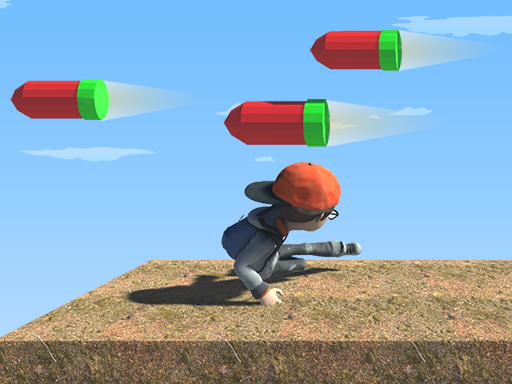
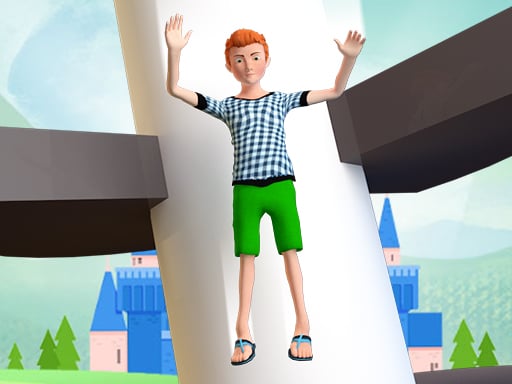
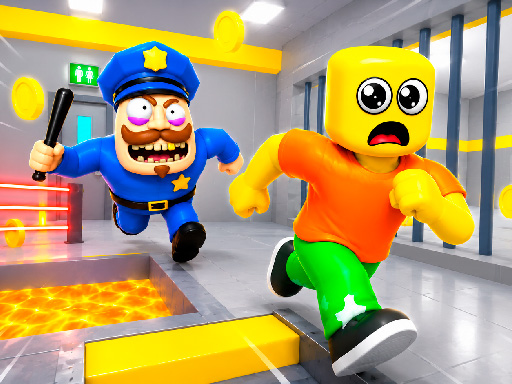
Barry the guard locked you behind cold steel walls. The only way out? Outrun traps, solve puzzles, and sprint toward freedom. Every jump, every slide brings you closer to that sweet escape. If you love fast‑paced platform action, this title delivers pure adrenaline.
EPIC Escape from Barrys Prison – Core Mechanics
Controls are tight, the world reacts instantly, and every level feels like a new test.
- PC Controls — WASD or Arrow Keys — Move
- Left Shift — Run
- Space — Jump
- E — Interact with objects
- TAB — Show hide cursor
- Mobile Controls — Joystick — Move
- On‑screen buttons — Jump and actions
EPIC Escape from Barrys Prison – Strategy & Progression
Start each cell by scanning the environment. Look for hidden levers, breakable walls, and moving platforms. Timing is everything: wait for a guard’s patrol, then dash past the laser grid. Master the double‑jump early; it opens shortcuts you’ll need later. Collect the glowing shards; they unlock secret chambers filled with extra lives and score boosters. Keep an eye on the timer—some doors close after a few seconds, so speed matters as much as precision.
As you climb higher, the puzzles become layered. You’ll need to combine objects, like using a crate to reach a high switch, then swapping it for a rope to swing across a pit. Remember: every dead end is a clue. The game rewards curiosity, so experiment with every button you find.
When the final block of the prison looms, focus on the rhythm. Barry’s patrol pattern repeats every 12 seconds; sync your sprint with his blind spot. A well‑timed dash and a perfect jump will catapult you through the last gate. The feeling of breaking free is worth every frantic second.
Ready to prove you can outsmart a tyrant? Jump into the action, beat the clock, and claim your freedom. Play EPIC Escape from Barrys Prison now on Minijuegos and show Barry who’s really in charge.
PC Controls WASD or Arrow Keys mdash Move Left Shift mdash Run Space mdash Jump E mdash Interact with objects TAB mdash Show hide cursor Mobile Controls Joystick mdash Move On-screen buttons mdash Jump and actions