Controls
- Left/right arrow key or A/D: chatacter horizontal movement
- Key up or W: jump
- Up + up or W + W: dash movement
- Key Z or key right Shift: shoot
- Key E: interaction button (open chests, buy stuff, etc)


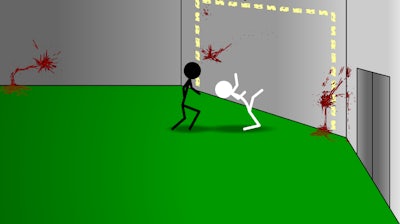
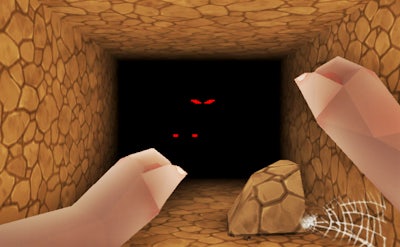
CHAMBER drops you into a dark, 2D catacomb where every step could be your last. This 1 Player side‑scrolling nightmare blends tight platforming with rogue‑like tension. The pixel art is crisp, the rooms shift on each run, and the only goal is to break out alive. If you crave a challenge that punishes mistakes but rewards skill, this is the arena you’ve been hunting.
Mastering the controls is the first hurdle. Every action is mapped for instant response, letting you focus on the fast‑paced combat and precise jumps.
Every run in CHAMBER feels fresh because the layout reshuffles. Early on, prioritize survivability: collect health packs, upgrade your dash, and keep an eye on ammo. The rogue‑like progression system drops permanent upgrades between runs – a faster reload, a wider dash, or a stronger bullet. Stack these upgrades to shave seconds off each level and to survive deeper chambers.
Because it’s a side‑scrolling platform, timing is everything. Learn enemy patterns, use the dash to dodge projectiles, and master wall‑jumps to reach secret rooms. The game rewards exploration – hidden pixel‑perfect rooms contain rare gear that can turn a losing run into a victory. The loop of “die, upgrade, try again” keeps the adrenaline high and the replay value endless.
Ready to test your reflexes and outsmart the ever‑changing catacombs? Jump into CHAMBER now and see why Minijuegos’ latest roguelike is the talk of the community. The next escape is just a dash away.

We use cookies to help you navigate efficiently and perform certain functions. You will find detailed information about all cookies under each consent category below.
The cookies that are categorised as "Necessary" are stored on your browser as they are essential for enabling the basic functionalities of the site.
Necessary cookies are required to enable the basic features of this site, such as providing secure log-in or adjusting your consent preferences. These cookies do not store any personally identifiable data.
Functional cookies help perform certain functionalities like sharing the content of the website on social media platforms, collecting feedback, and other third-party features.
Analytical cookies are used to understand how visitors interact with the website. These cookies help provide information on metrics such as the number of visitors, bounce rate, traffic source, etc.
Advertisement cookies are used to provide visitors with customised advertisements based on the pages you visited previously and to analyse the effectiveness of the ad campaigns.
We also use third-party cookies that help us analyse how you use this website, store your preferences, and provide the content and advertisements that are relevant to you. These cookies will only be stored in your browser with your prior consent.
You can choose to enable or disable some or all of these cookies but disabling some of them may affect your browsing experience.