Obby Universe: Mini Games Online – the ultimate playground for fast‑paced 3D Games
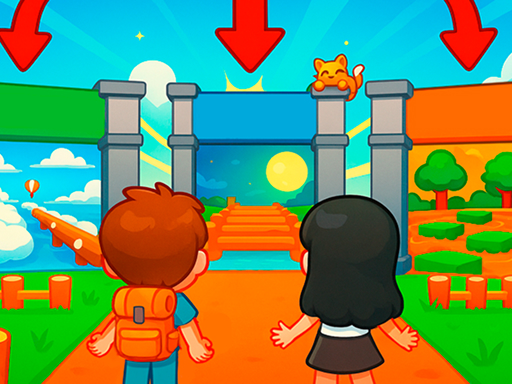
Imagine a chaotic arcade where every jump, slide, and trap feels like a fresh burst of adrenaline. Obby Universe: Mini Games Online crams dozens of bite‑size challenges into one colorful, cartoon‑styled world. From lava‑river escapes to secret‑filled rooftops, the game never lets you breathe for long. Kids and seasoned gamers alike can dive straight into the action, craft a personal house, and stack up rewards faster than a Minecraft speed‑run. It’s the kind of casual, brainrot‑inducing fun that keeps you glued to the screen, and it’s all hosted on the Minijuegos platform.
Mechanics
Controls are stripped down to the essentials, so you spend more time mastering obstacles and less time fumbling with menus.
- On PC 1 WASD - move 2 Hold right mouse button - control camera 3 Spacebar - jump
- On phone 1 Left joystick - walk 2 Press and drag finger on right part of screen - control camera 3 Jump button on right - jump
Strategy
Success hinges on rhythm and foresight. Start each mini‑stage by scouting the layout; many traps are visible if you pause the camera. Prioritize upgrades that boost jump height and sprint speed—those two stats shave seconds off every run. When you unlock the house builder, focus on adding a pet lounge and a storage chest; the pet gives occasional speed bursts, while the chest stores rare cosmetics. Keep an eye on daily leaderboards; climbing them nets exclusive items that scream “best‑games” status. Mix and match outfits from the 150‑plus catalog to stay fresh, and don’t forget to hop into the free‑play arena for endless replay value.
Ready to dominate the most addictive arcade on the web? Jump straight into Obby Universe: Mini Games Online and start stacking wins. The Minijuegos community is already buzzing—join the hype, claim your first house, and prove you’re the top kid in this crazy Roblox‑style world.
On PC 1 WASD - move 2 Hold right mouse button - control camera 3 Spacebar - jump On phone 1 Left joystick - walk 2 Press and drag finger on right part of screen - control camera 3 Jump button on right - jump