Minijuegos Presents Pixel Wars IO: The Ultimate Hypercasual Experience
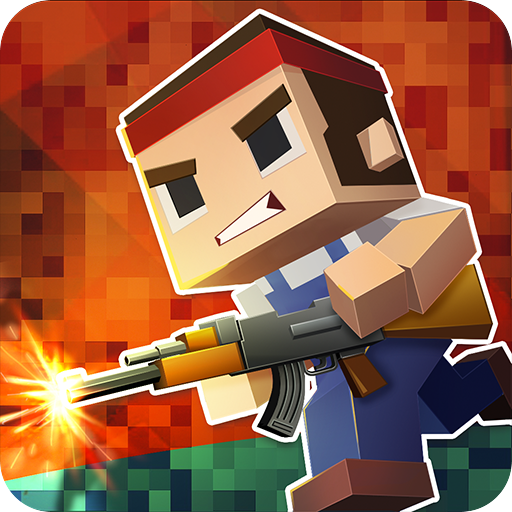
Pixel Wars IO is the perfect blend of hypercasual fun and pixel art creativity. Players of all ages and skill levels can enjoy this game, whether you're a fan of clicker games, pixel art, or just looking for a relaxation experience. The game's simple yet addictive mechanics make it easy to pick up and play, but challenging to master.
To play Pixel Wars IO, you'll need to master the following controls:
- Use the Left Arrow and Right Arrow keys to decrease or increase your pixel size.
- Click with your mouse or finger on an empty area of the screen to move your pixel and start drawing.
- Resize your pixel to fit through tight spaces and avoid obstacles.
The game's
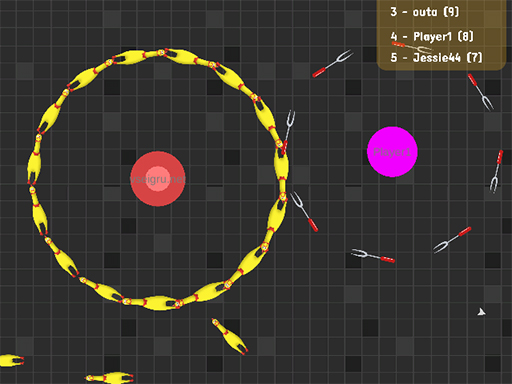
2D arena is where you'll spend most of your time, collecting pixels and drawing amazing images. With the help of power-ups, you can slow down obstacles, double your pixel collection, attract bonuses with a magnet, or even gain an extra life.

As you progress through the game, you'll need to develop a strategy to maximize your pixel collection and create stunning pixel art pieces. You can play against other players in the .io Games arena, competing to see who can collect the most pixels and create the most impressive artwork. With Minijuegos as your gaming destination, you can enjoy Pixel Wars IO and other hypercasual games in a seamless and fun experience.
Take Your Pixel Wars IO Experience to the Next Level
To get the most out of Pixel Wars IO, make sure to check out the game's skills and draw features, which allow you to showcase your creativity and compete with other players. The game's WebGL technology ensures a smooth and responsive experience, even on lower-end devices. If you're looking for more 1 player or 2 player games, be sure to visit Minijuegos for a wide range of .io Games and hypercasual experiences. Start playing Pixel Wars IO today and discover a world of pixel perfection and slither action - visit Pixel Wars IO now and join the fun!
- Left Arrow Right Arrow - Decrease increase pixel - Click with the mouse finger on an empty area of the screen on the game level - move the pixel resize