Zombies Rush: Non‑Stop 2D Survival Action
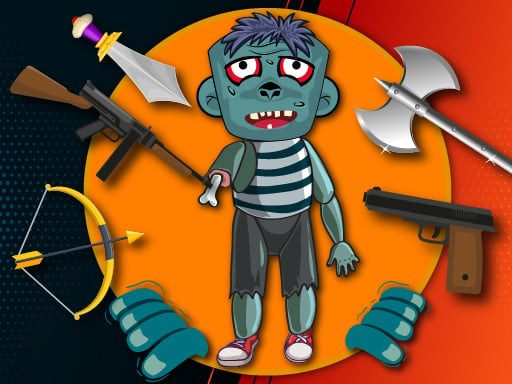
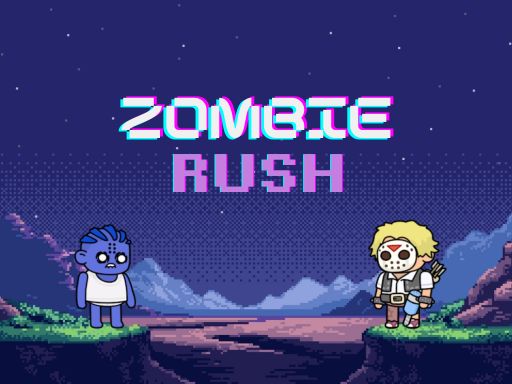
One survivor, endless undead. You’re stuck in a frantic top‑down arena where every wave gets faster, smarter, deadlier. The thrill comes from out‑maneuvering a relentless Zombie horde while blasting them to bits. If you crave fast, casual shooting with a hypercasual vibe, this is the arena you’ve been hunting for. Minijuegos brings the chaos straight to your screen, and the only question is: can you survive the rush?
Mechanics
Control the lone hero with simple, responsive inputs. Whether you’re on desktop or mobile, the game feels tight and instinctive. Move, aim, and fire without a learning curve—just pure shooting action.
- Desktop – Mouse & Keyboard: Move, Direct, Hold, Drag, Left Click. Your character follows the direction of your mouse from their current position.
- Keyboard – Use WASD or Arrow Keys for classic directional movement.
- Mobile – Touch: Touch & Drag.
Strategy
Stay alive by mastering distance and timing. Keep moving; standing still turns you into a zombie snack. Aim for headshots—those deal the most damage and thin the ranks faster. Upgrade your weapons when you can; a rapid‑fire pistol beats a slow shotgun when the horde closes in. Learn the spawn patterns; each new wave introduces a twist, whether faster speed or smarter AI. Prioritize the biggest threats first, then mop up the leftovers. The longer you last, the more intense the survival test becomes, and the higher your score climbs.
Ready to dominate the apocalypse? Jump into Zombies Rush now and prove you have the reflexes to outrun the endless Zombie onslaught. Play the ultimate shoot ’em up on Minijuegos and claim the top spot on the leaderboard.
Desktop Mouse amp Keyboard Move amp Direct Hold amp Drag Left Click Your character follows the direction of your mouse from their current position Keyboard Use WASD or Arrow Keys for classic directional movement Mobile Touch Touch amp Dra